 By Thomas Cohen, founder of Maestro
Your first application looks finished, but launch is stuck
The screens are there. Yet a forgotten password or an empty list can stop a user. Here is how to turn those “last details” into a clear work list.
Imagine a customer-tracking application that works during the demo. Then a colleague creates an account: the screen is empty, and he does not know how to add his first customer. The project has not suddenly gone backwards. A situation nobody planned for has appeared.
Clarify what “finished” means
A first version, sometimes called an MVP, should meet a limited need. For your colleague, that means creating a customer record, recording a conversation and finding the next action to take.
Write down those actions and how to check each one. Moving from a prototype to a usable application requires more than a sequence of screens: the task must be possible under the planned conditions.
Start with the very first use
Try a fresh account without the information that makes your demo so clear. What does someone see before adding a customer? Do they know which action to take and where to find help?
A message such as “Add your first customer” may be enough to help at that moment. Think about phones too: an open keyboard can cover the button someone needs.
Replay ordinary small mishaps
Try a forgotten password, an incomplete form and an interrupted action. If your tool takes payments, add a declined payment. For each situation, record what the user should understand and be able to do next.
Check access too: should a colleague see all customers or only their own? A forgotten rule can affect several screens. Deciding it now makes the remaining work more visible.
Separate blockers from new ideas
Someone who cannot sign in faces a blocker. A new chart requested during trials may be a good idea, but it does not necessarily meet the original need.
Make two lists and choose what must be ready before the first use. If a limitation comes from the chosen tool, ask what options exist before promising a date or feature.
Estimate from the remaining list
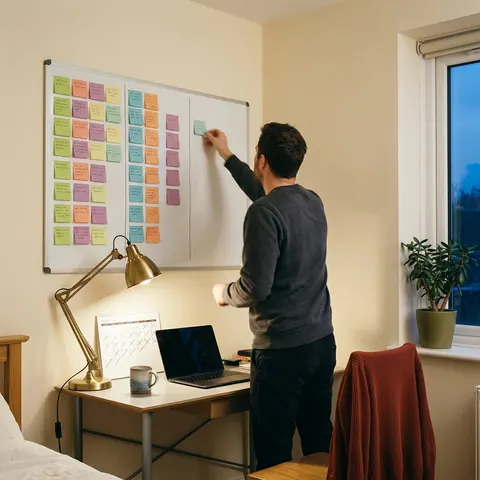
For each item, specify the expected result, who handles it and the planned check. Then ask for an estimate of the work. The number of completed screens does not tell you how much time is needed.
In Maestro, breaking work into tasks helps track what remains to build and check. It can reveal new questions; it does not make them free to resolve. Estimating project time starts by making those questions visible.
Read the complete guide: build an application without coding