
 By Thomas Cohen, founder of Maestro
Replacing Excel with an app: when is it worth it?
Duplicate orders, conflicting files and errors to fix: start with what is getting in your way to choose between improving Excel, buying software or building a tool.
Every Friday, your team spends an hour finding the right version of the order spreadsheet. That is a problem worth solving. But it does not prove, by itself, that Excel must be replaced with an app: a shared file and clear rules might already help.
Start with three specific problems
Write down what happens, how often, and who loses time. For example: two people call the same customer, a discount changes without explanation, or the workshop prepares an order that is still awaiting approval.
These examples let you compare solutions. “A modern app” is difficult to verify; “the workshop only sees approved orders” gives you a result you can test.
Keep or improve Excel
A spreadsheet remains useful for calculations, simulations and analyses whose structure you change often. If your team works well with it, you do not need to rebuild that tool.
When problems come from copies sent by email or poorly explained columns, improve the working habits first. Choose a reference file, explain the fields and name the person allowed to change formulas. Try this arrangement before commissioning development.
Try existing software
For invoicing or ordinary sales tracking, first look for software already designed for that purpose. Try it with a few situations from your business and check that you can retrieve your data.
A no-code tool may also work if you can create the forms and rules you need. In every case, check the cost, who may change the data and what help is available when something goes wrong.
Build only what is missing
Take a fictional example: salespeople create orders, a manager approves discounts, and the workshop prepares deliveries. A first app could cover just these three actions. Invoicing would stay in the existing software, and Excel could still be used for analysis.
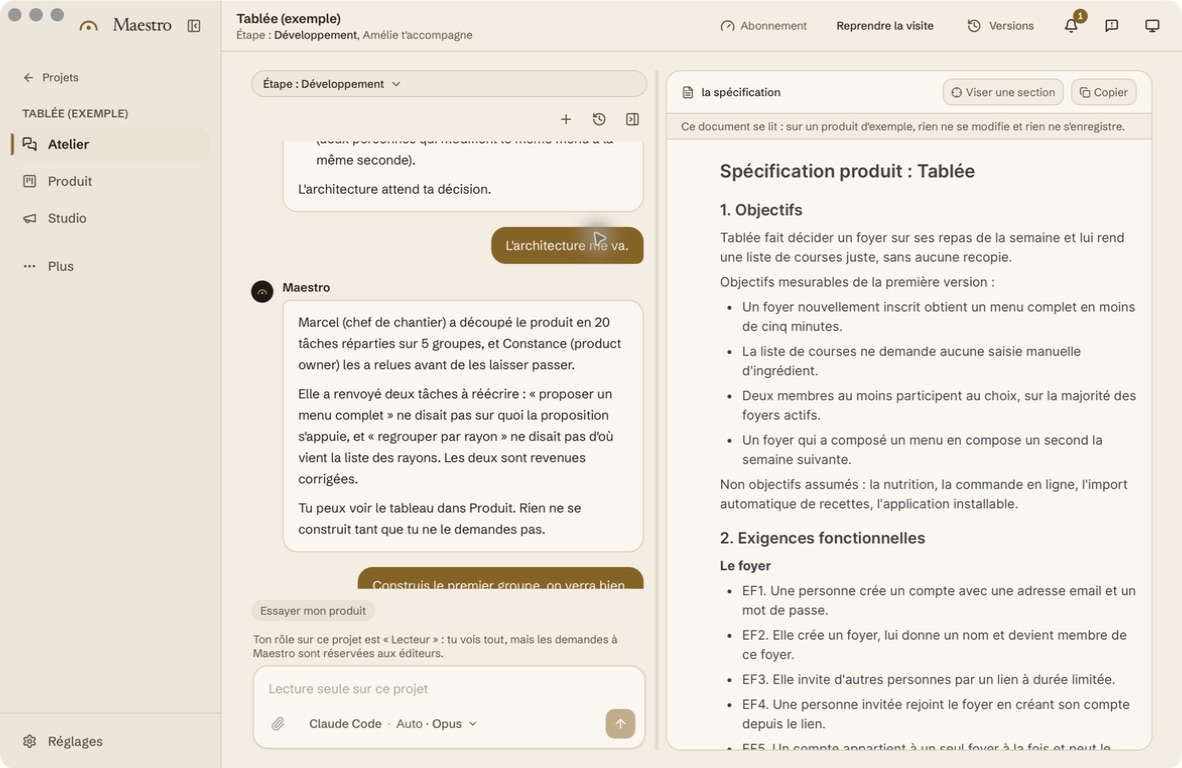
Write the rules in a simple requirements document. For each action, explain who may perform it and what should appear on screen. Your spreadsheet provides clues, but decisions made over the phone need to be described too.
Prepare to move the data
Before sharing a file, keep the original and prepare a copy with fictional data for the first trials. In Maestro, project files stay on your Mac, but assistants may receive context: read Your data.
The Excel migration guide then explains how to test the transfer. When deciding whether to build, request a budget for your first specific use. A worthwhile replacement solves a work problem without forcing you to recreate the entire spreadsheet.
Read the complete guide: build an application without coding